Splitpush - Group Expense Management
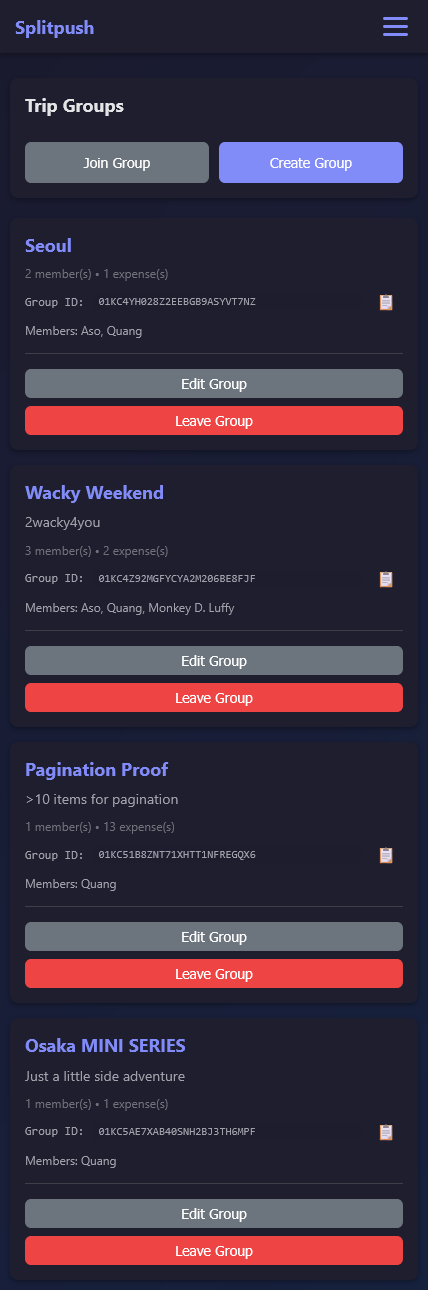
Splitpush is a full-stack expense-sharing platform that allows groups to track shared costs, split bills, and settle balances across multiple trips or events. Users can create trips, add participants, record expenses, and automatically calculate who owes whom. The system supports both per-trip settlements and global cross-trip balancing, giving users flexible ways to manage group expenses. Mobile support included. App is now self-hosted on an Oracle Cloud VPS, with Cloudflare in front for DNS, TLS, and caching.
The earlier deployments on Render and Aiven are no longer updated but remain accessible.
This was my first project built with an AI coding assistant (Cursor). It was a useful look at how much an LLM can accelerate the build once the idea is set - and how much of the normal engineering process (tech-stack choices, QA, and iterating on features) still needs a human driving.
Key Features
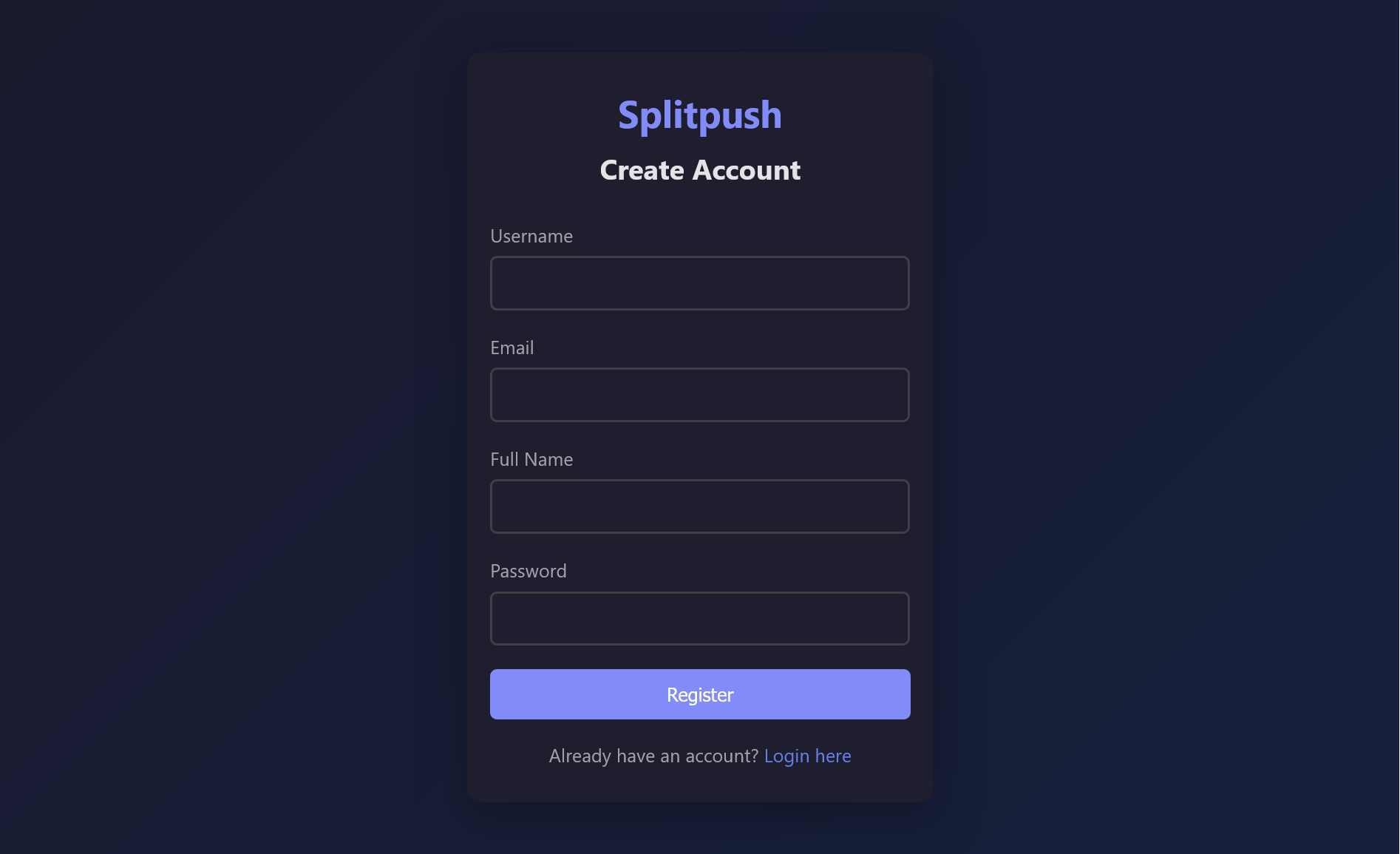
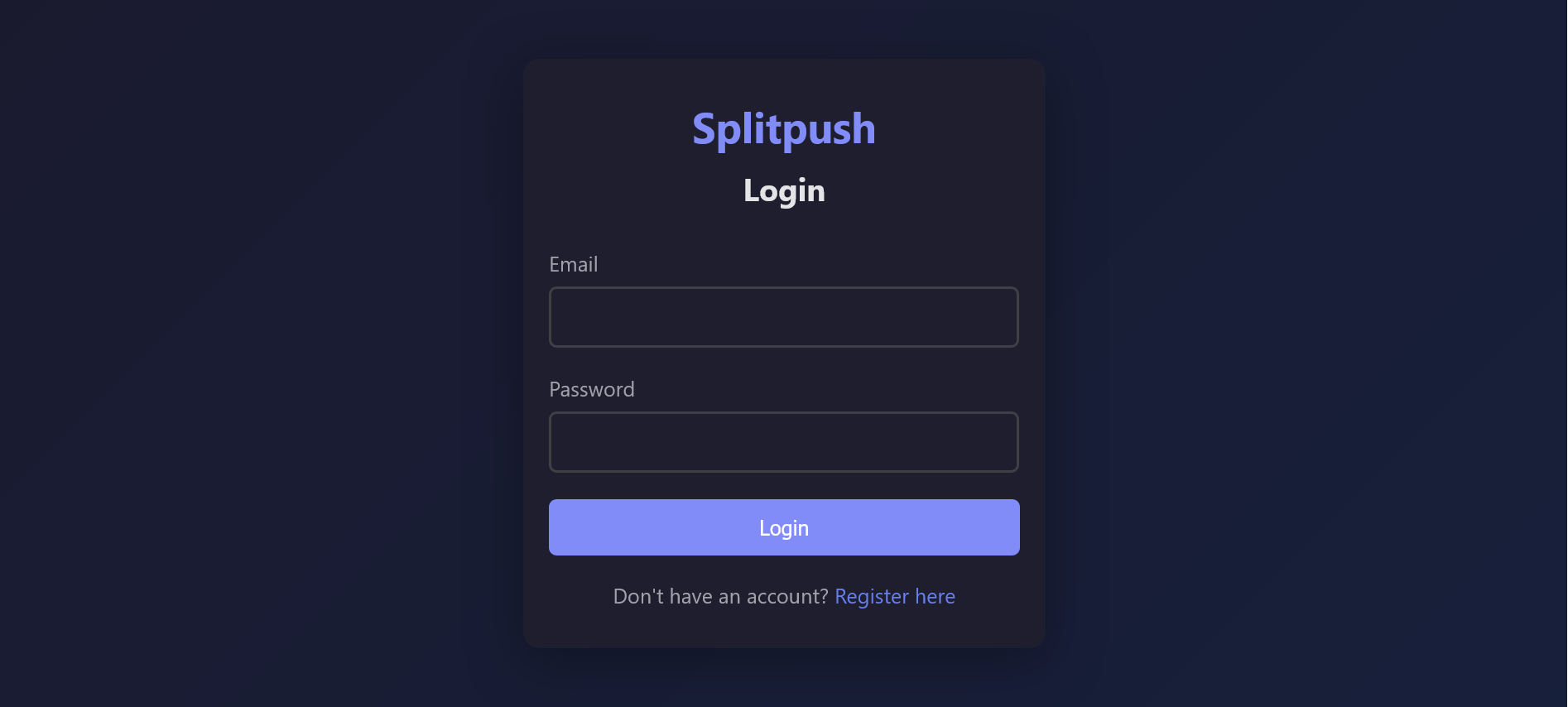
- ✅ Secure account creation & login
- Email/password auth with hashing, sessions, and access control via Spring Security.
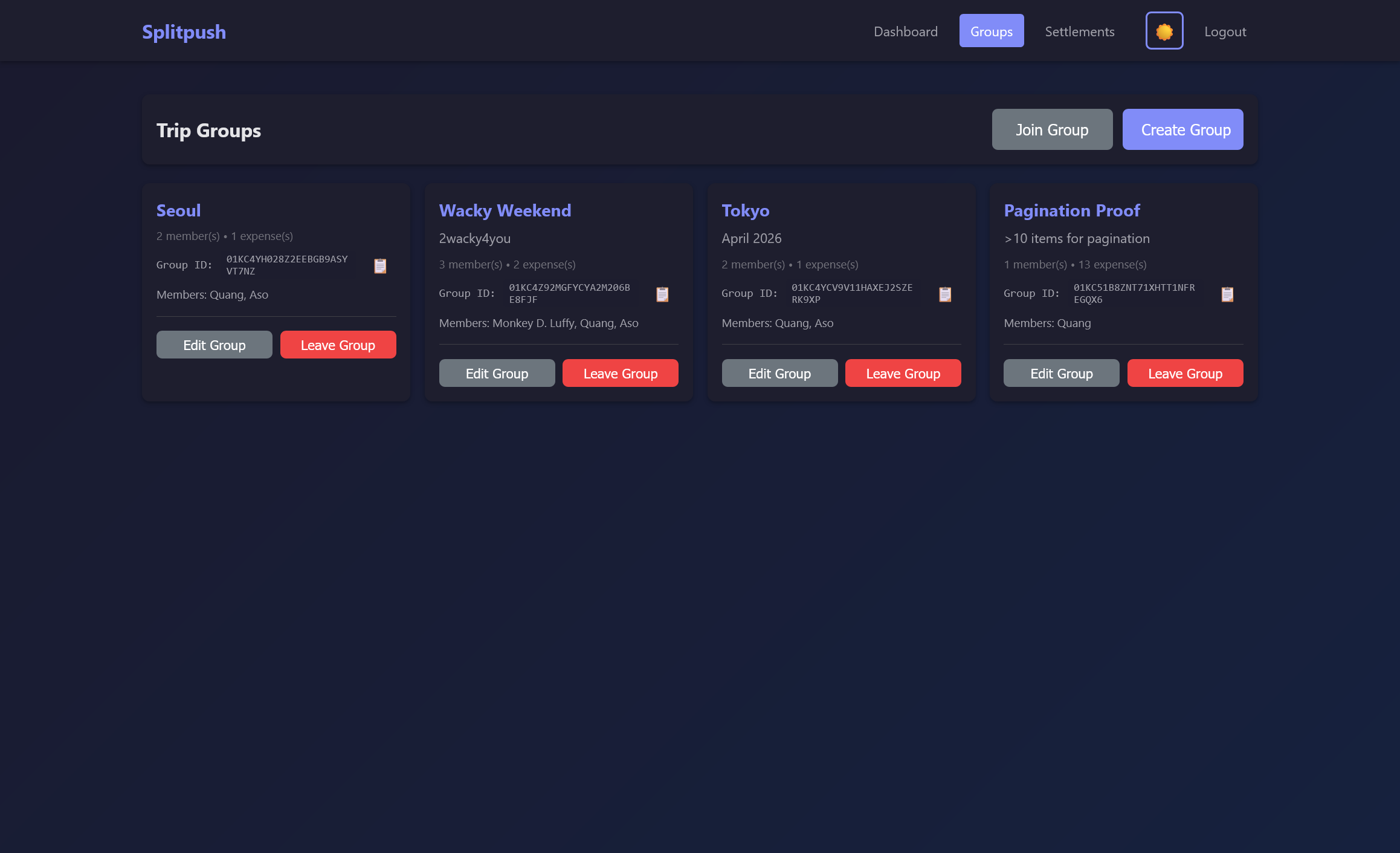
- 👥 Trip group creation & collaboration
- Create groups, invite members, and manage shared expenses with permissioned, multi-participant access.
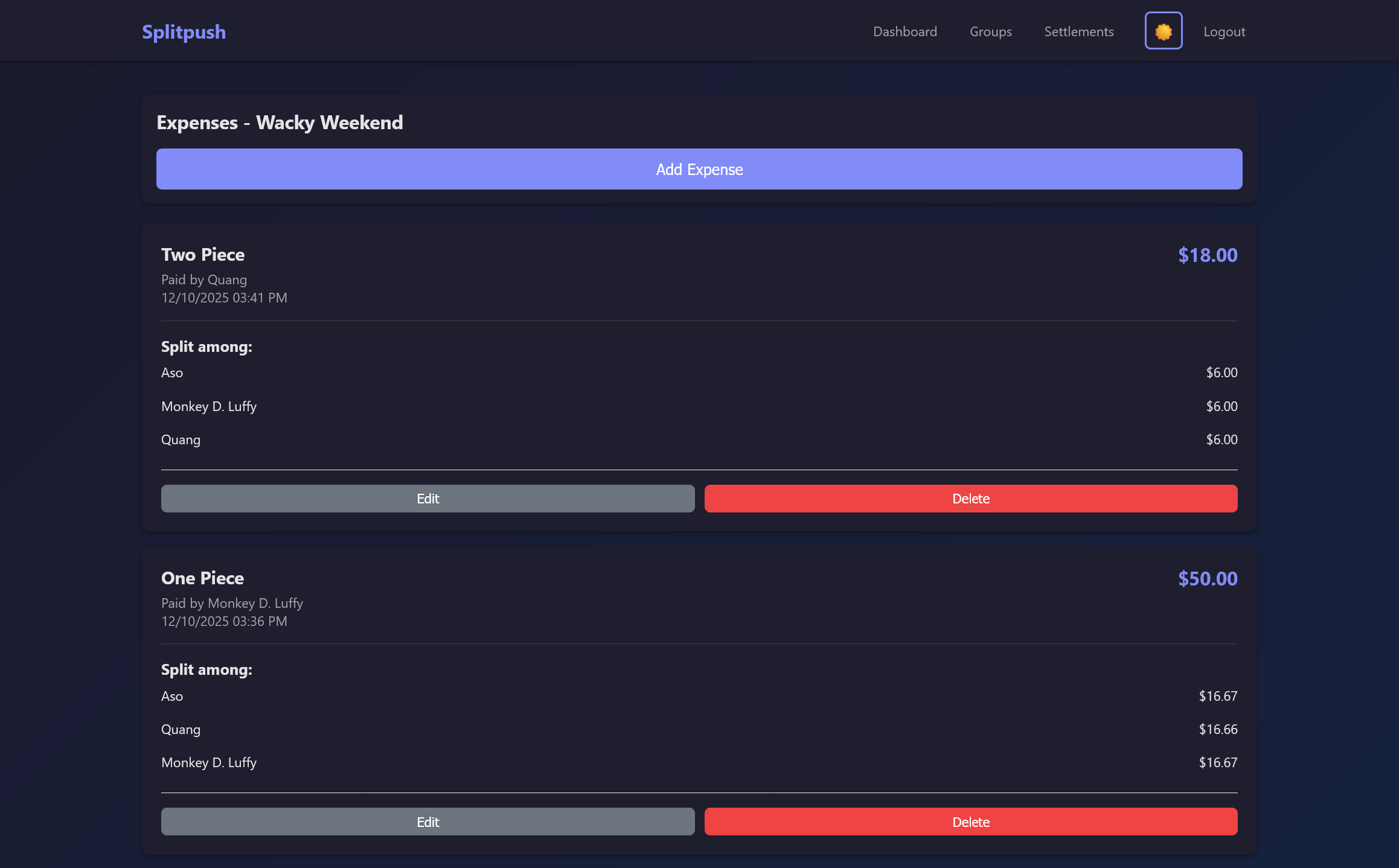
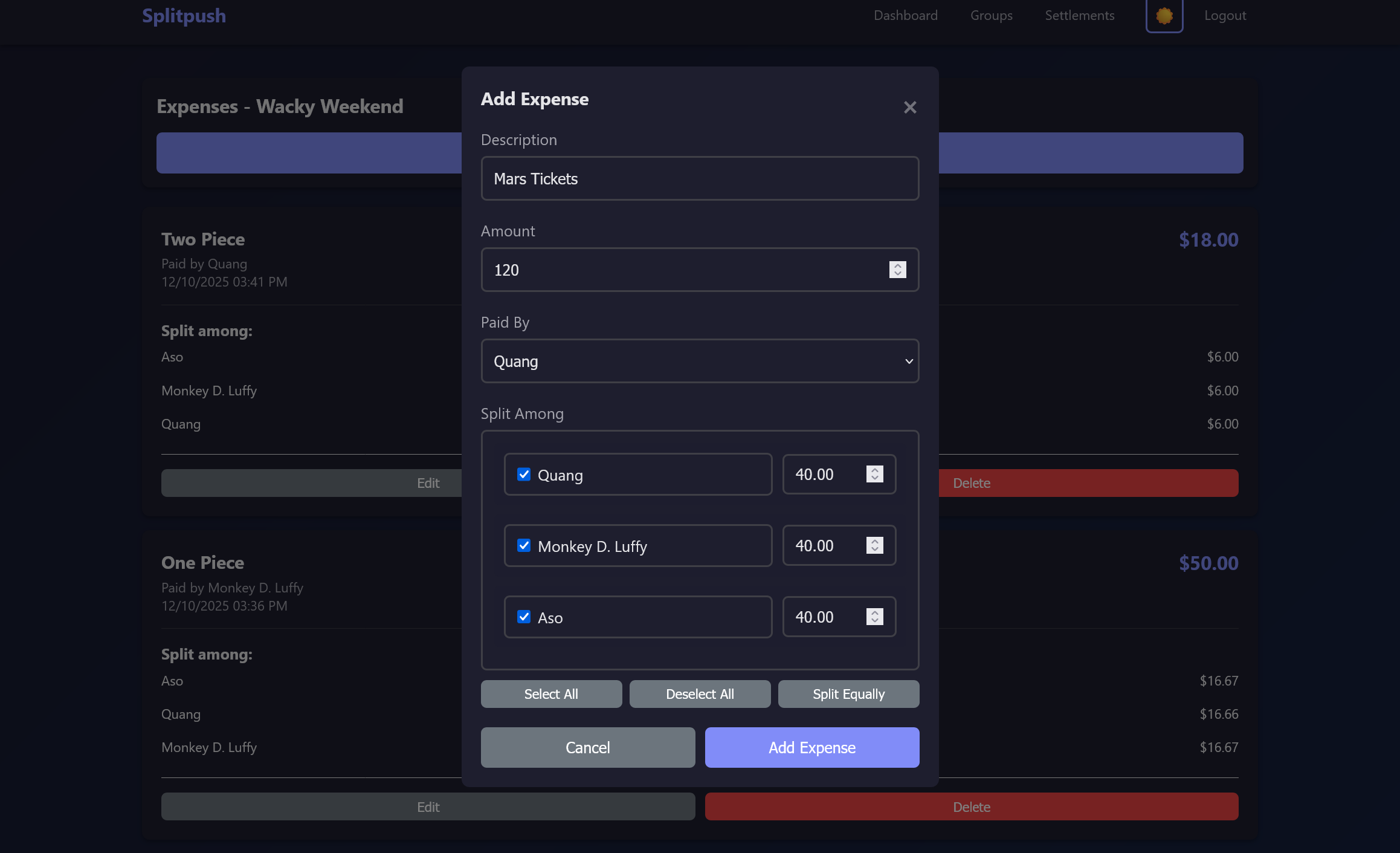
- 💰 Flexible expense tracking & splitting
- Add, edit, and delete expenses with customizable split options and clear per-participant breakdowns.
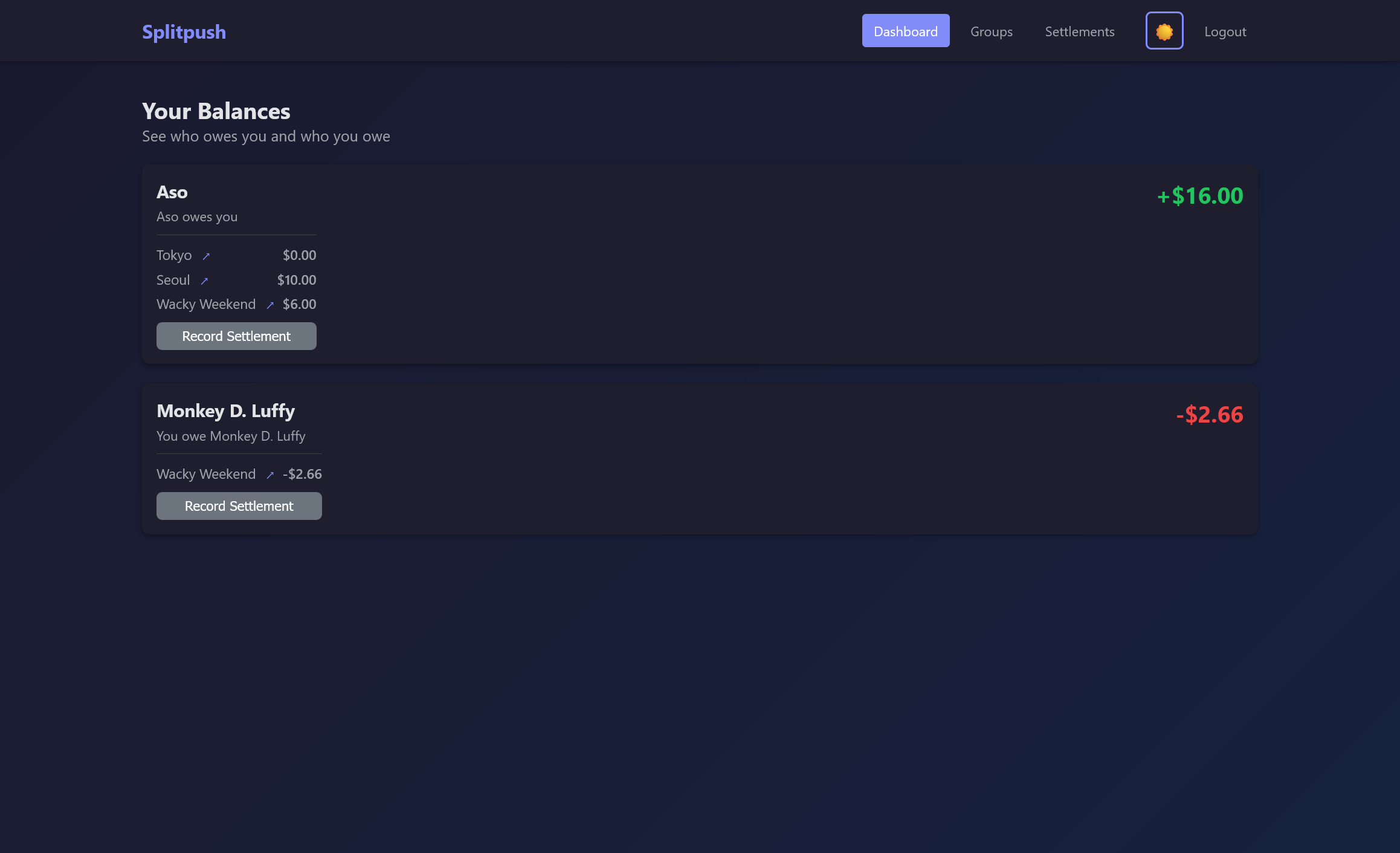
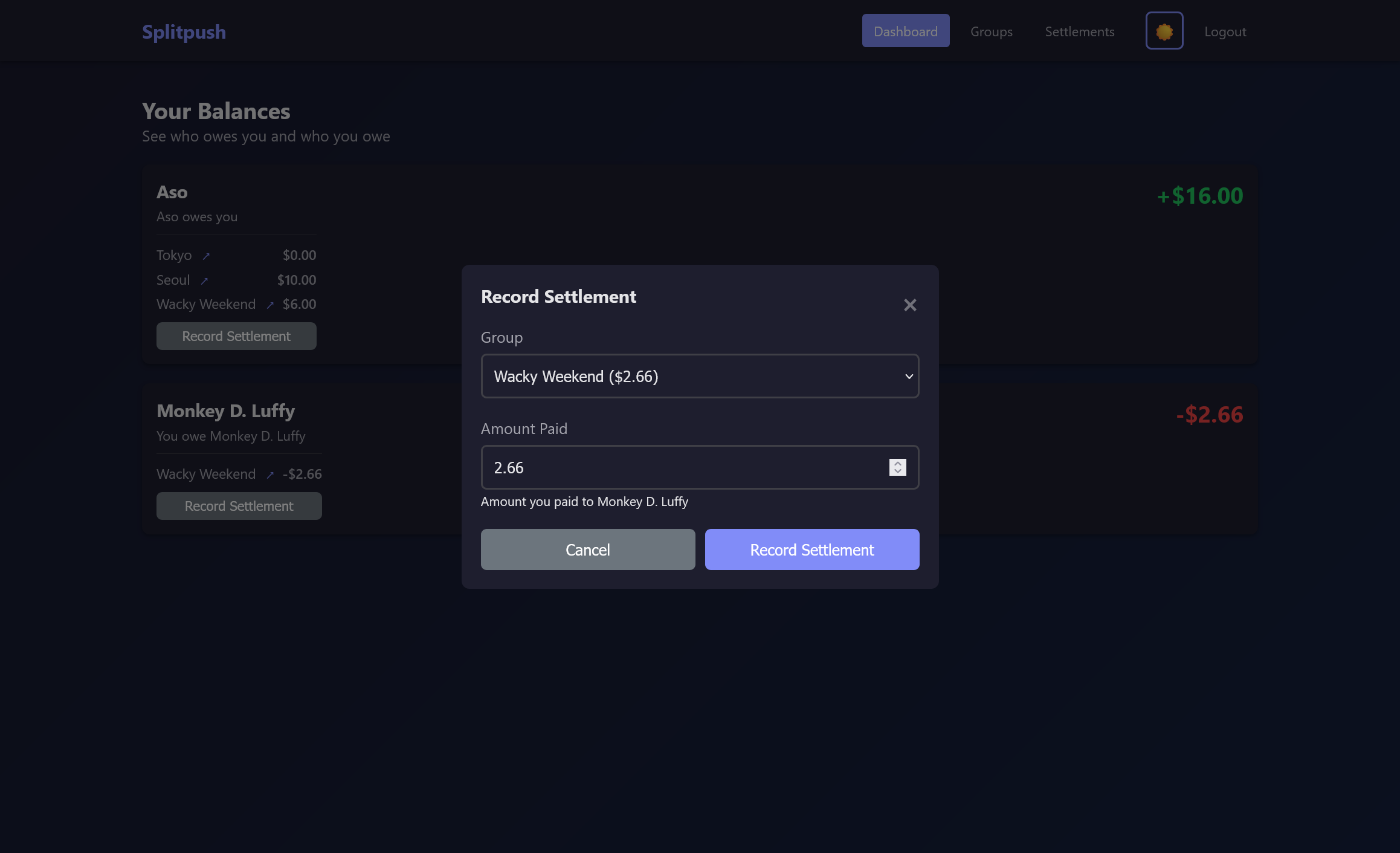
- 📊 Balance dashboard with smart calculations
- Aggregates who owes whom across groups, showing both per-group amounts and net totals.
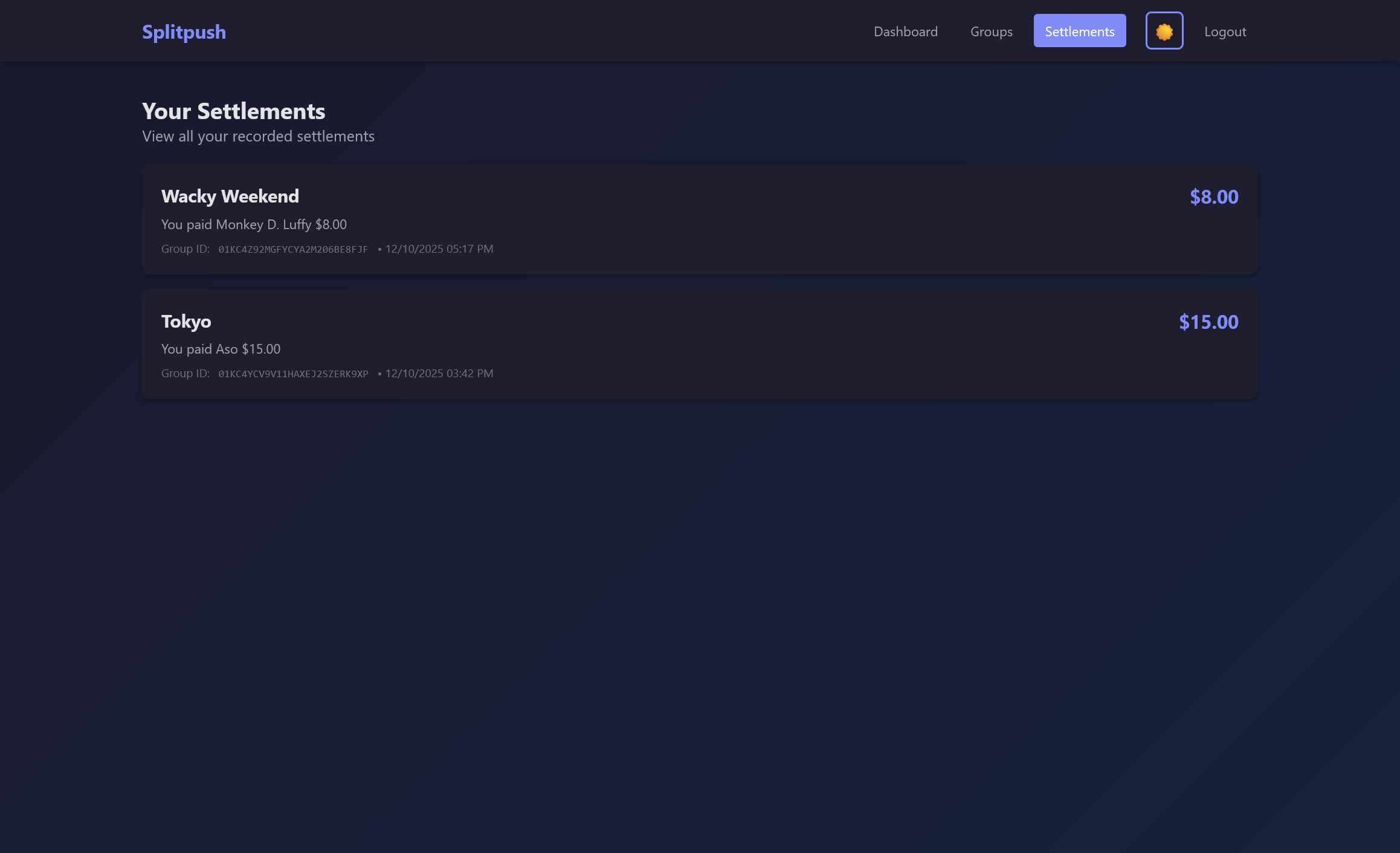
- 🤝 Settlement tracking
- Record settlements with validation against duplicate payments; balances update instantly.
- 🧭 Group lifecycle management
- Join by ID, leave once settled, with automatic cleanup of empty groups.
- 🌗 Light & dark mode theming
- CSS-variable theme system with saved preferences across sessions.
- ⚡ Performance optimization with caching
- Caffeine cache cuts repeated queries for group lists, expenses, and balance summaries.
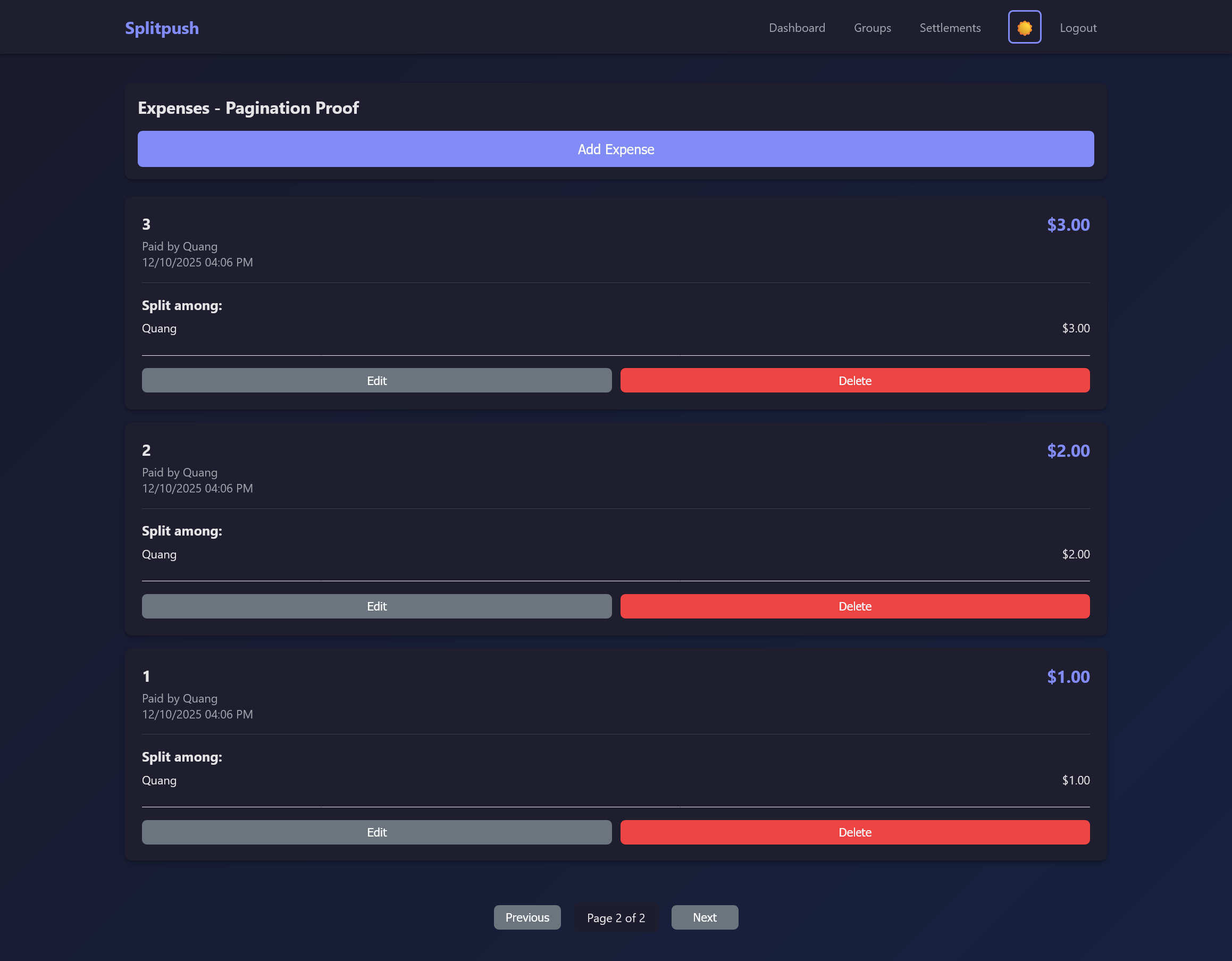
- 🧾 Detailed expense history
- Paginated history of all group expenses with participant details and timestamps.
Frontend
- JavaScript, HTML, CSS
- Thymeleaf
Backend
- Java
- Spring Boot
- Spring Security
- Spring Data JPA
- Spring Cache (Caffeine)
- PostgreSQL
Other
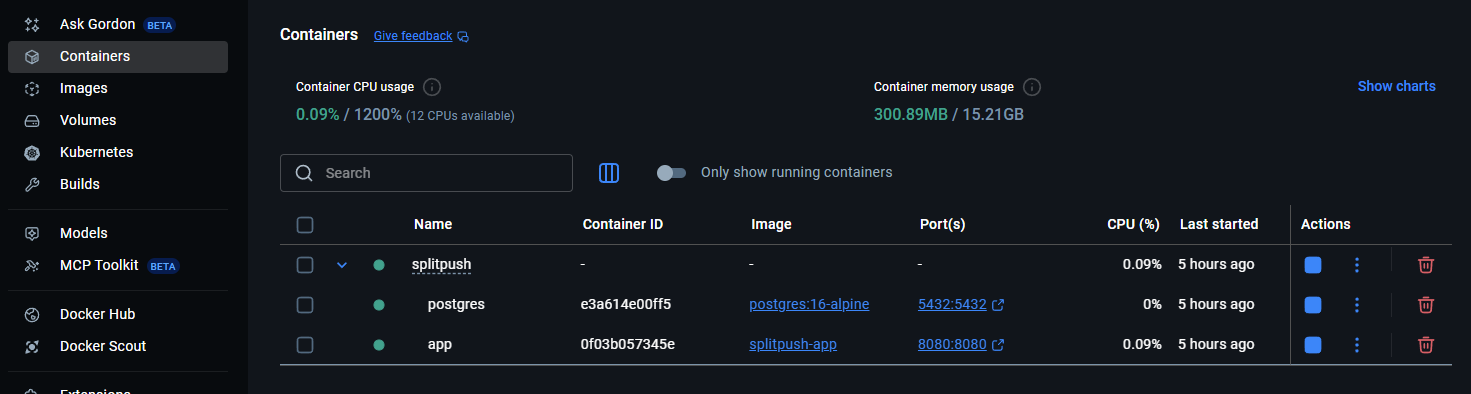
- Docker & Docker Compose for local development and deployment
- Maven for project build and dependency management
- Oracle Cloud VPS for self-hosting, with Cloudflare for DNS, TLS, and caching
- Keycloak - shared single sign-on (OAuth2 / OIDC) across my web apps
- Render / Aiven (legacy deployment, no longer updated)
- Cursor
- Visual Studio Code
Figures